Choose what to show
Full screen shares everything visible. Selected content shares only the photos, PDF pages or video you choose. Turn on Require PIN if you want a four-digit code.
TessMirror · Made for parked moments
Share your full iPhone screen, or choose just your photos, PDF pages or a video. A bigger view over your personal hotspot, while safely parked.
Upcoming release · Not yet available on the App Store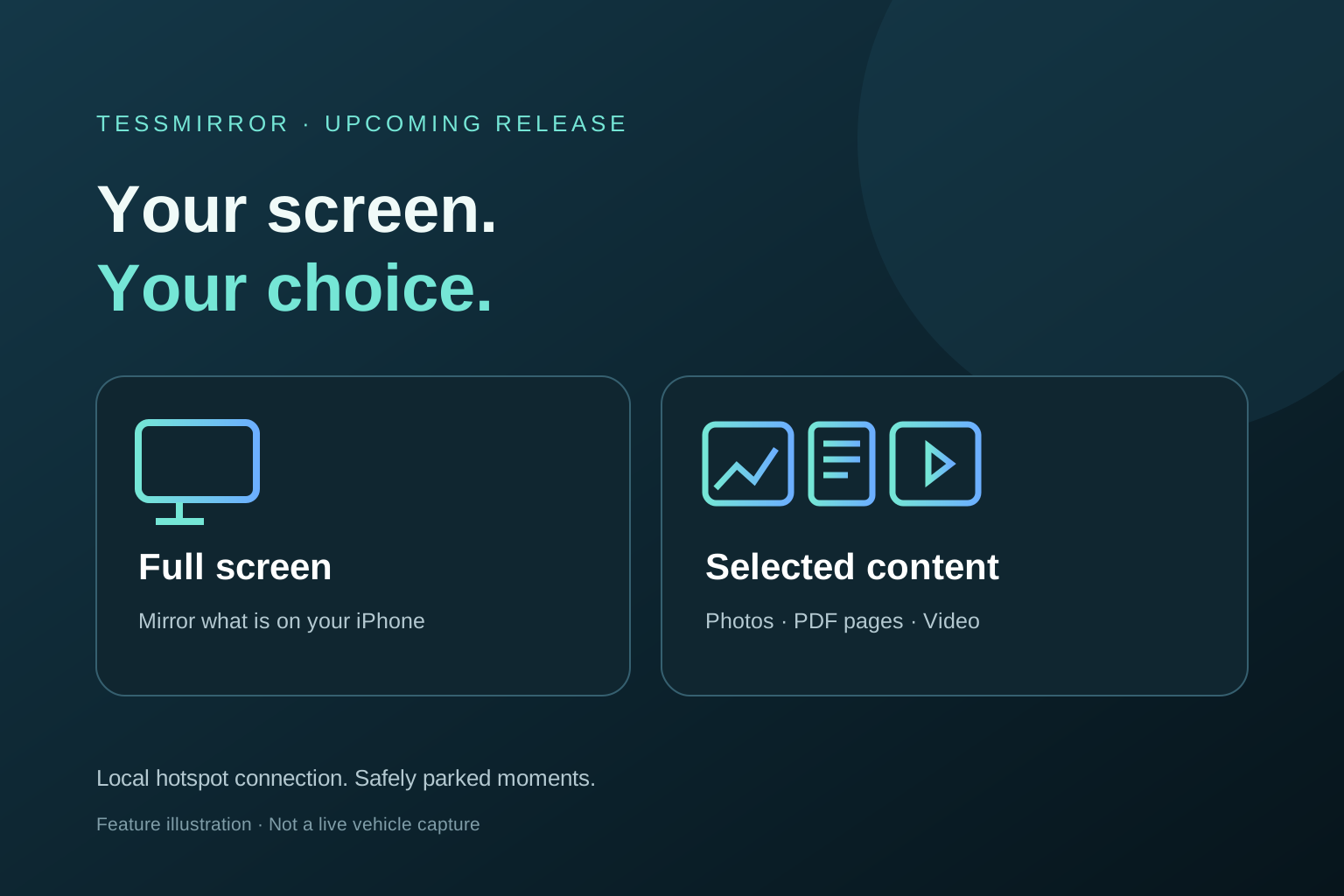
Small screen. Meet big screen.
Two ways to share: full-screen mirroring with supported app audio, or selected-content sharing that keeps other apps and notifications off the display.
OPEN IN YOUR CAR BROWSERhttp://tmirr.com ↗Preview of the upcoming release. Compatible content, Local VPN and an active sharing session are required. Keep TessMirror open for selected content.
Full screen shares everything visible. Selected content shares only the photos, PDF pages or video you choose. Turn on Require PIN if you want a four-digit code.
Pause and resume sharing, move through PDF pages, or play a photo slideshow. Use Fit, Fill or Rotate to adjust the view. Full Screen hides the toolbar, and Exit Full Screen brings it back.
Media travels over your hotspot without a cloud video relay. Video streams in chunks rather than creating a whole-file browser copy.
15-second app preview
See TessMirror’s hotspot guide and how to choose between full-screen mirroring and sharing only selected photos, PDF pages or video.
Inside TessMirror
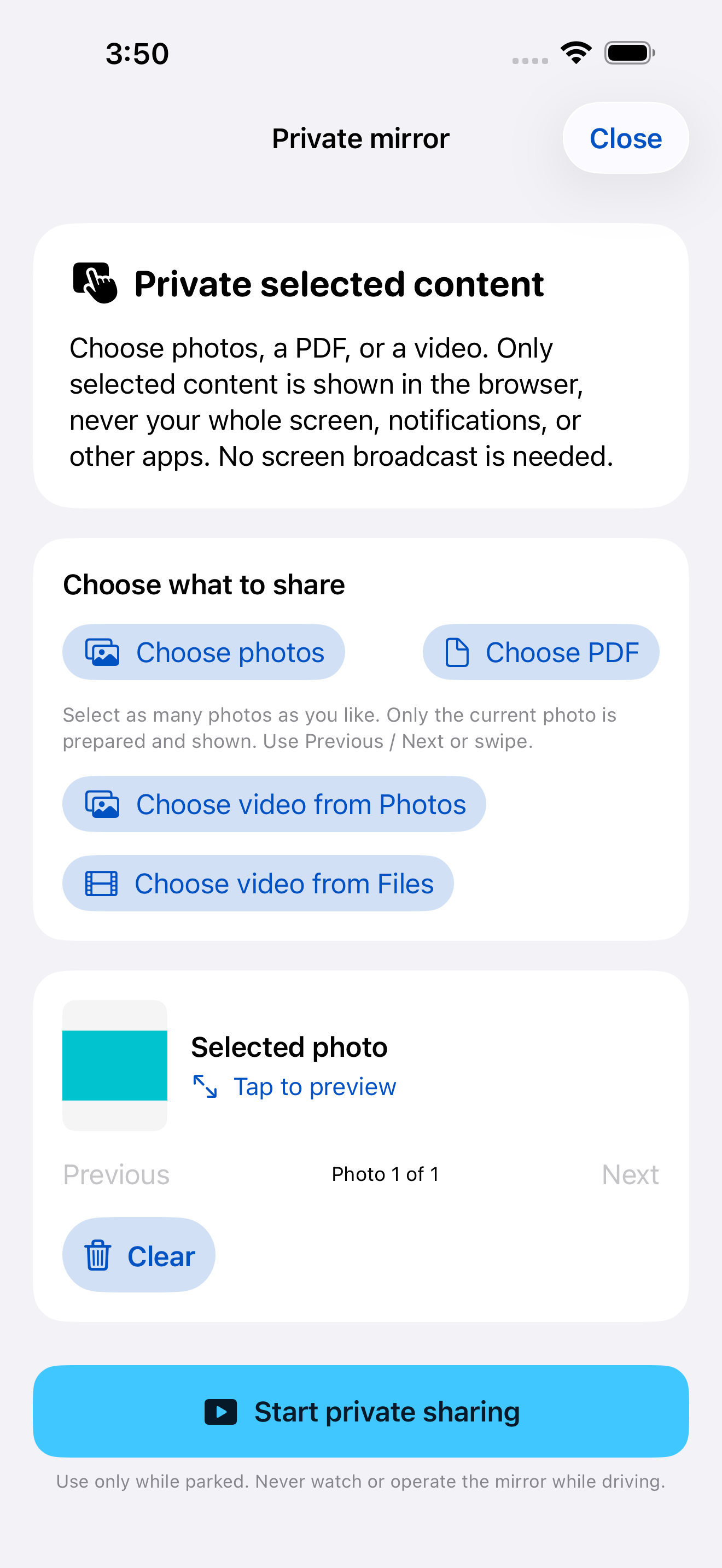
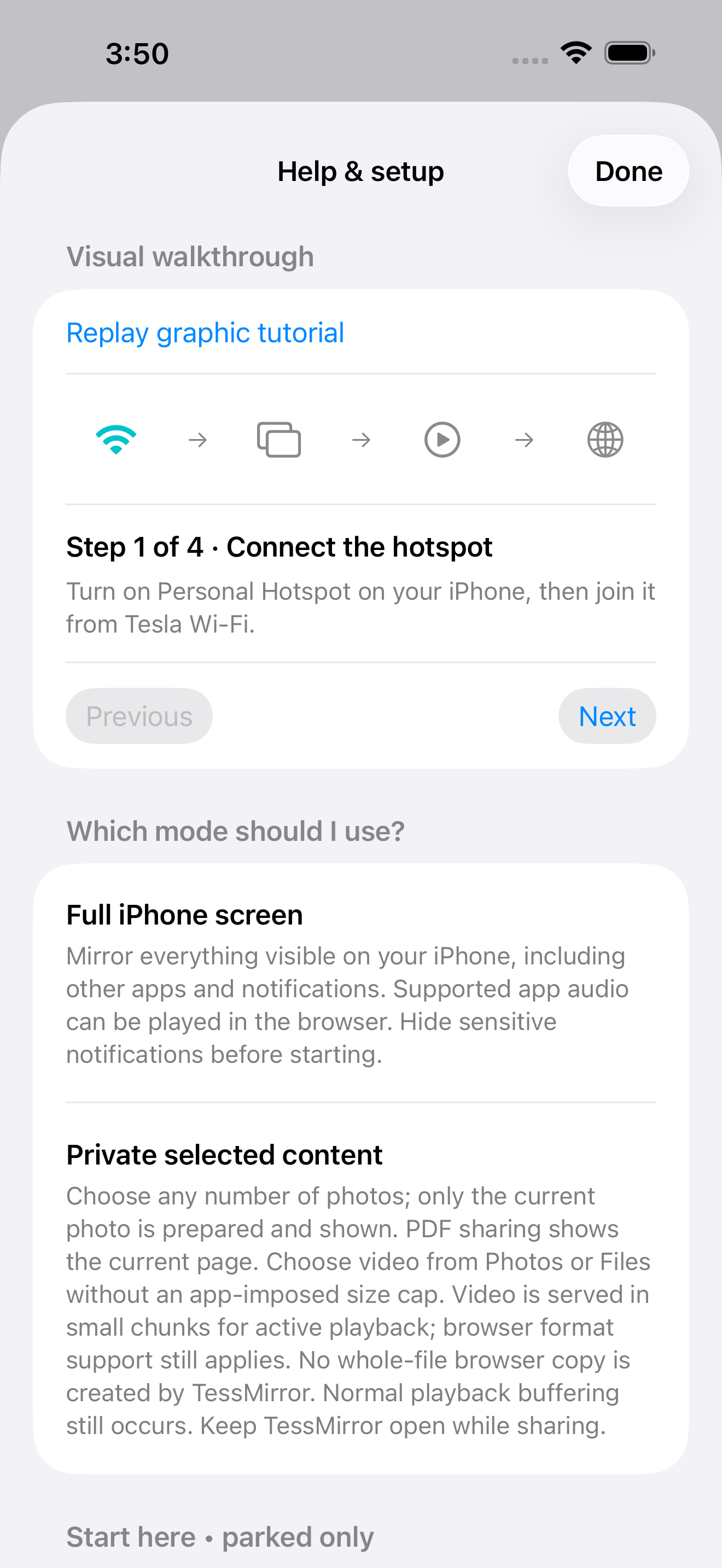
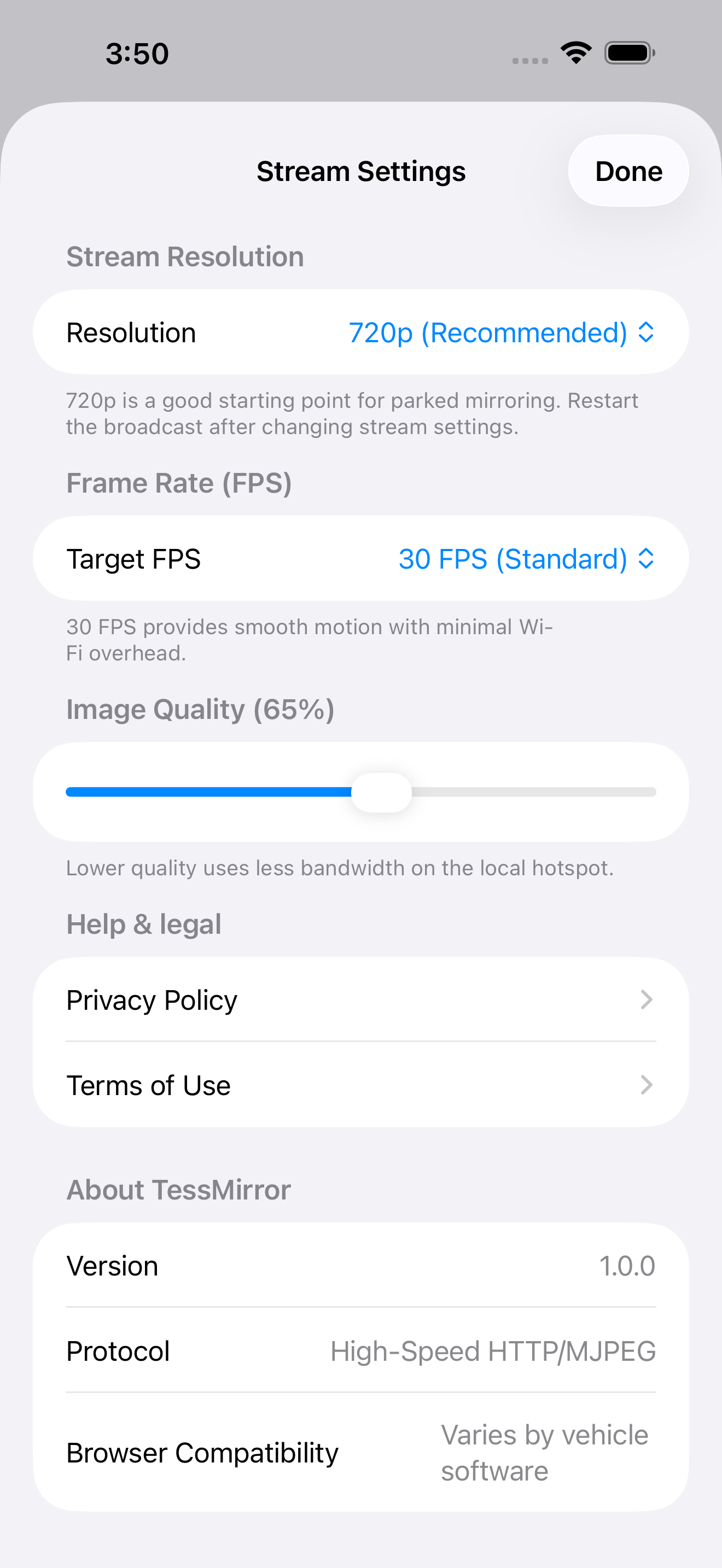
Actual upcoming-build app screens captured in the iOS simulator. These images do not demonstrate a live vehicle connection.
Setup guide
Keep Local VPN and the selected sharing mode running. For full-screen mirroring, try http://tmirr.com:8080, then http://240.3.3.3:8080. Confirm Tesla is on the phone hotspot and use HTTP, not HTTPS. Reconnect Wi-Fi if DNS is cached.
Check volume and tap the audio retry control if shown. Some apps or protected media block capture. Selected-video playback depends on the browser’s supported codecs; actual vehicle playback can vary. Microphone audio is excluded from full-screen mirroring.
In selected-content mode, Hide content blanks the viewer. Tap Show content to return while your sharing session is still active.
Exit leaves the mirror page; browsers may show a blank page instead of closing the tab. Stop the iPhone broadcast separately, or use Stop in selected-content mode. Then disconnect Local VPN from Connection details & troubleshooting.
Never watch or operate the mirror while driving. TessMirror does not detect Park. The experimental Local VPN may replace another VPN and uses a packet-tunnel approach Apple does not support. Compatibility can change with iOS and vehicle updates.
Both modes use unencrypted local HTTP. Full-screen mirroring has no viewer password and includes notifications. Selected content uses a per-session access token and optional four-digit PIN. With Require PIN off, devices that can reach the server can open the viewer. Use a trusted hotspot and stop sharing when finished. No guarantee of zero latency or universal app compatibility.
Read the Privacy Policy →